Creating a home office that feels cozy yet fosters productivity can be a game changer for anyone working remotely or managing tasks at home. A well-designed workspace not only boosts focus but also makes your workday more enjoyable. Whether you have a dedicated room or a small corner, there are plenty of ways to create an environment that meets your needs. Let’s explore useful tips that blend comfort and efficiency in your home office setup.
Choose the Right Location
Your office location sets the tone for your workday. Ideally, pick a spot with natural light, away from household distractions. If possible, a quiet room or corner where you can close a door offers privacy and helps separate work from home life.
Consider Natural Light
Natural daylight can improve mood and energy. Position your desk near a window but avoid glare on your computer screen by using adjustable blinds or sheer curtains.
Minimize Noise
If noise is a challenge, try noise-cancelling headphones or add sound-absorbing elements like rugs, curtains, or wall art to soften sounds.
Invest in Comfortable and Functional Furniture
A cozy yet productive workspace requires the right furniture that supports your body and workflow.
Ergonomic Chair
Choose a chair that supports your lumbar region and allows your feet to rest flat on the floor. Adjustable height and armrests let you find the most comfortable position.
Desk Size and Height
Select a desk that fits your equipment and allows enough work surface space. Standing desks or adjustable desks offer flexibility to change posture during the day.
Storage Solutions
Keep clutter off your desk with organizers, shelves, or filing cabinets. Having storage nearby reduces distractions and keeps your space tidy.
Personalize Your Space Thoughtfully
Adding personal touches helps make your workspace feel inviting without overwhelming it.
Use Calming Colors
Soft, neutral, or pastel shades create a relaxing atmosphere. Avoid overly bright or distracting colors that may reduce focus.
Add Greenery
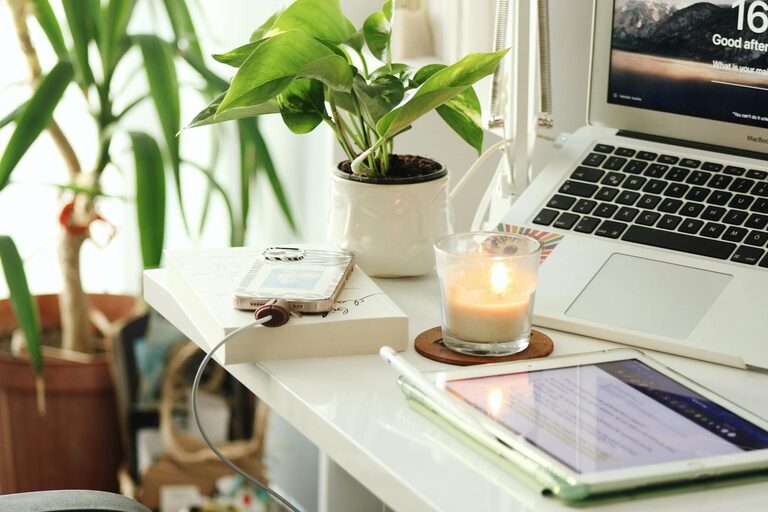
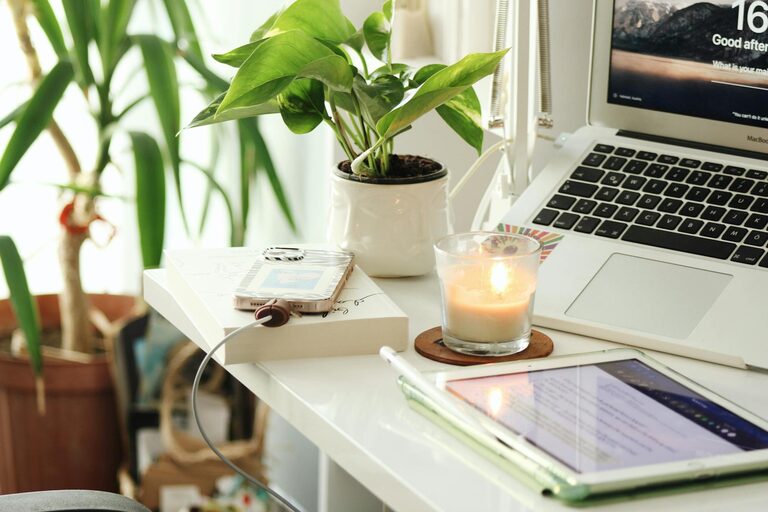
Plants improve air quality and add life to your office. Choose low-maintenance options like succulents or snake plants.
Display Inspiring Items
Photos, artwork, or motivational quotes can boost morale but keep them minimal to avoid clutter.
Organize for Efficiency
An organized workspace promotes productivity by saving time and reducing stress.
Declutter Regularly
Set aside a few minutes daily or weekly to tidy your desk. Remove unnecessary papers and items.
Use Cable Management
Tidy cables with clips, sleeves, or under-desk trays to create a neat setup and avoid distractions.
Keep Essentials Handy
Store frequently used tools like pens, notebooks, or chargers within easy reach.
Optimize Lighting
Proper lighting prevents eye strain and helps maintain focus during long work sessions.
Layer Your Lighting
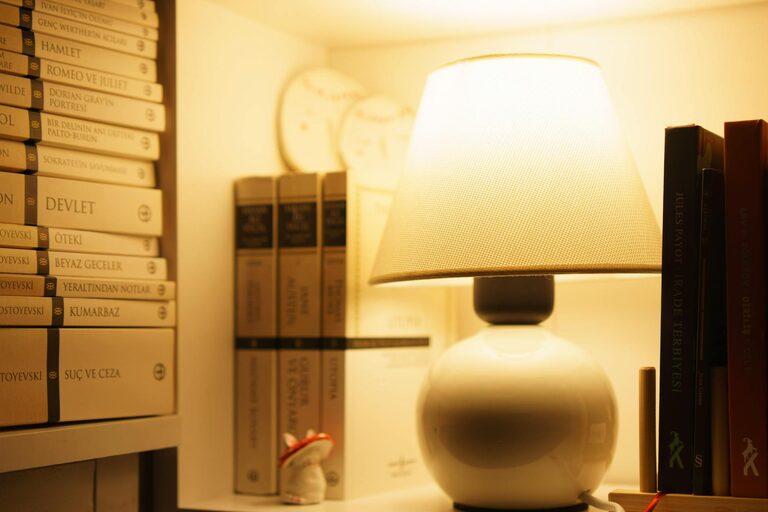
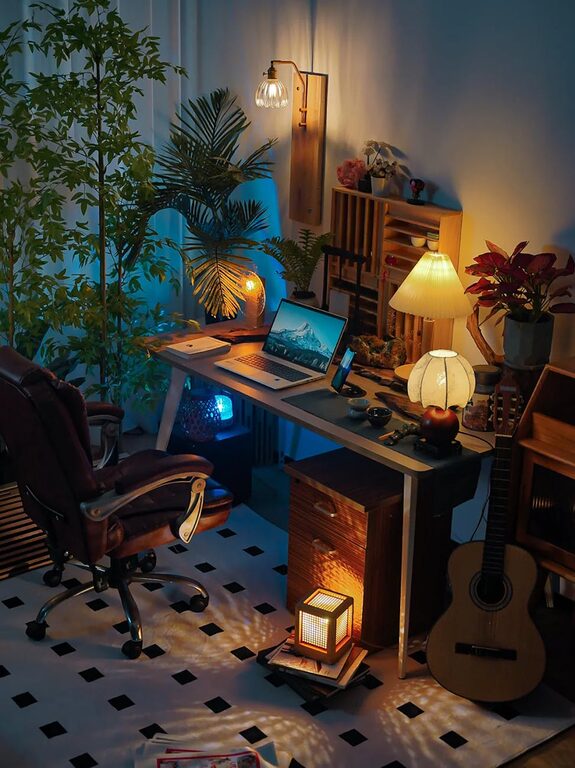
Combine ambient lighting (like ceiling lights) with task lighting such as desk lamps. Adjustable lamps let you direct light exactly where needed.
Choose Warm Light
Warm white bulbs (around 2700K–3000K) create a cozy atmosphere, while cool white can be used if you need bright, crisp lighting.
Manage Temperature and Air Quality
Comfort comes from a well-regulated environment.
Maintain Comfortable Temperature
Use fans, heaters, or air conditioning to keep your space at a pleasant temperature.
Ensure Good Ventilation
Open windows when possible, or use air purifiers to keep fresh air circulating.
Establish Boundaries and Routines
A cozy home office isn’t just about the physical space; establishing routines can make the environment more productive.
Set Work Hours
Define clear start and end times to separate work from personal time.
Take Breaks
Incorporate regular short breaks to stretch or walk around, reducing fatigue.
Communicate Boundaries
If others share your home, explain your working hours to minimize interruptions.
Incorporate Technology Wisely
Use tools and devices that simplify tasks without causing distractions.
Choose Reliable Equipment
Invest in a good-quality computer, faster internet, and peripherals like keyboards and mice that suit your preferences.
Use Productivity Apps
Organizers, calendars, and note-taking apps can keep your day on track.
Limit Distractions
Turn off non-work-related notifications or use focus modes during working hours.
—
By thoughtfully designing your home office, you create an environment where comfort and productivity go hand in hand. The right location, furniture, lighting, and organization make working from home more effective and enjoyable. Remember, the best workspace is one that fits your individual needs and helps you stay motivated throughout the day. Happy decorating!